Schedule one-to-one follow-ups
Prepare the next customer message while the context is fresh, then send it at the right time for the prospect.
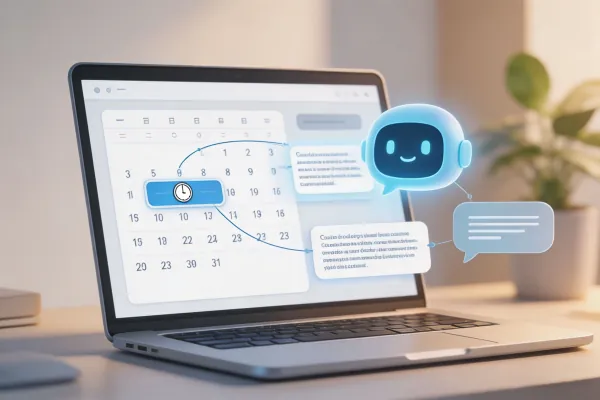
WADeck scheduling is part of a wider WhatsApp CRM workflow. Write a follow-up, choose the send time, keep it tied to the customer record, and let the team stay aligned even when the owner is offline.
Start freeWhatsApp CRM capability
Instead of treating scheduled messages as a standalone tool, WADeck connects follow-ups with shared inbox, customer records, templates, AI assistance, and team permissions.
Explore WhatsApp CRMPrepare the next customer message while the context is fresh, then send it at the right time for the prospect.
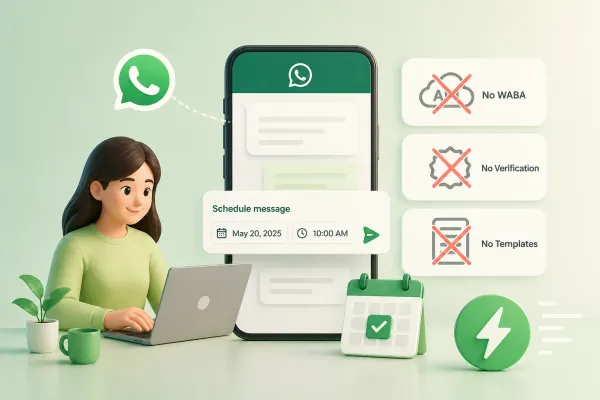
Connect your own WhatsApp account to WADeck and schedule CRM follow-ups without WABA onboarding.
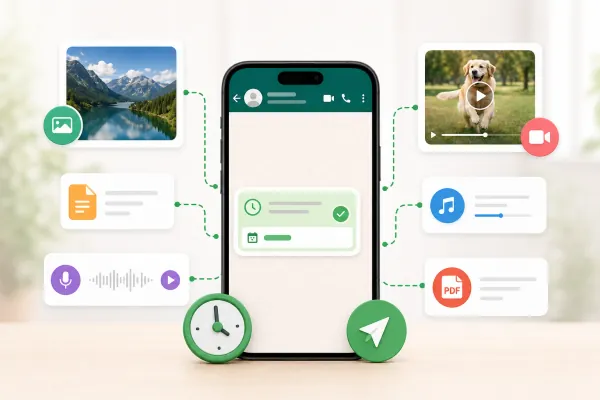
WADeck handles scheduled workflows in the cloud workspace so teammates can see planned follow-ups and customer context.
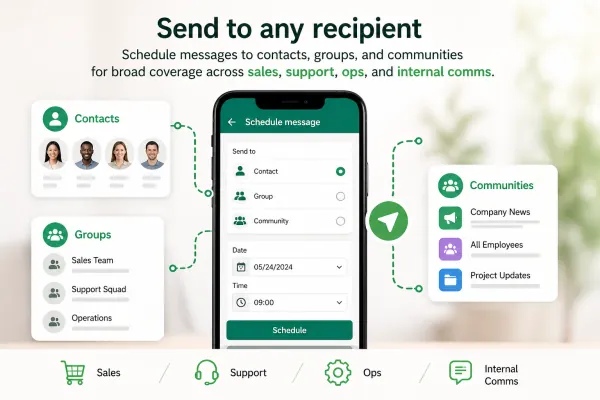
Use templates for common follow-up scenarios while keeping messages relevant and reviewed by the team.
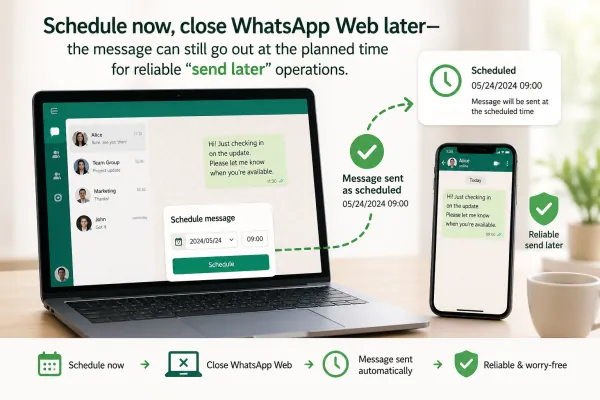
Depending on your WADeck workflow, scheduled messages can include text and supported media or files for customer follow-ups.
Use AI to improve wording, translate a message, summarize customer context, or prepare the next-step reminder before scheduling.

Schedule a message for the next business morning with the quote recap, next step, and a polite reminder tied to the lead record.

Prepare reminders before a viewing, consultation, lesson, or service appointment so the team does not rely on manual memory.

Set careful, spaced follow-ups for prospects who need more time, and keep each message visible in the shared CRM workspace.

Prepare messages during your working day and schedule them for the customer's local business hours.

Connect your WhatsApp account to WADeck, open the customer conversation or workflow, write the message, choose the send time, and save it as a scheduled follow-up.
Yes. WADeck treats scheduling as a CRM follow-up workflow connected to shared inbox, customer records, lead owners, templates, and AI assistance.
No. WADeck lets you schedule WhatsApp messages without WhatsApp Business API or WABA onboarding by connecting your own WhatsApp account to the cloud workspace.
WADeck is designed for cloud workspace scheduling, so planned messages can be handled without requiring the original teammate to stay active in WhatsApp Web at the exact send time.
Yes. WADeck supports templates and AI-assisted workflows such as reply drafting, translation, summarization, and next-step reminders before scheduling.
Use scheduling for relevant, consented customer communication and reasonable follow-up frequency. WADeck provides safeguards, but users must follow WhatsApp rules and account policies.