Best 8 WhatsApp tools :Power Up Your Marketing and More

If WhatsApp is a core channel for sales, support, or community, you’ll quickly run into the same bottlenecks: messages slip through the cracks, follow-ups aren’t consistent, teamwork is messy, and important data never makes it into a system of record. A practical tool stack turns “chatting” into a repeatable workflow.

Try for Free

Free forever. No credit card required.

Why use WhatsApp tools?

Because WhatsApp wasn’t built to be your CRM, your broadcast platform, your audit log, and your team inbox—all at once. The right tools help you:

  • Respond faster and more consistently (templates, automation, AI assist)
  • Stay organized (labels, pipelines, tasks, shared visibility)
  • Scale outreach responsibly (lists, scheduling, pacing controls)
  • Keep records for handoffs, reporting, or compliance (exports and backups)
  • Protect privacy in offices, shared screens, and public environments

WhatsApp tool stack
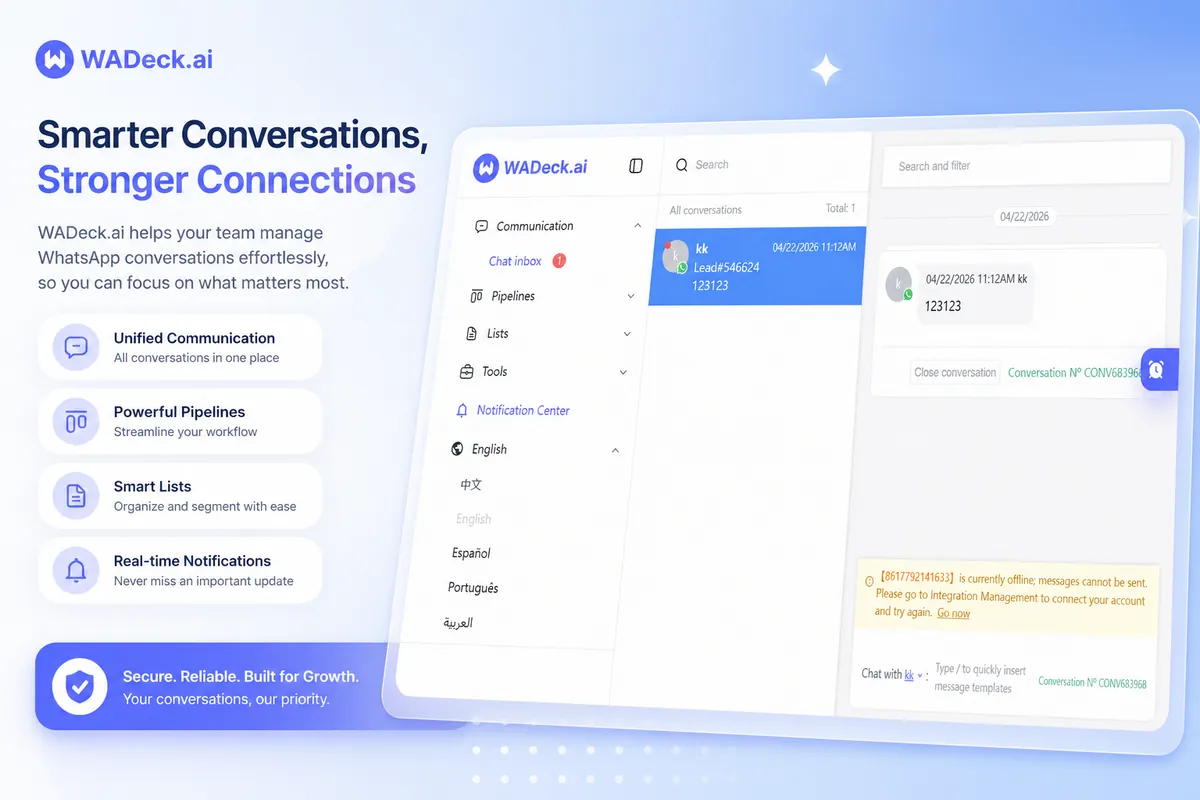
WADeck - Web-based AI WhatsApp CRM

WADeck: Web-based AI WhatsApp CRM (No WABA)

WADeck is a web-based WhatsApp CRM designed for teams. It combines a shared inbox, automation, and an AI assistant—without requiring WhatsApp Business API (WABA).

Why teams like it

  • No WABA required: set up faster with fewer technical dependencies
  • Works in the browser: access from any device without installing apps or extensions
  • Built for collaboration: multiple teammates can work from the same WhatsApp account with shared visibility

Core features

  • Unlimited scheduled WhatsApp messages: schedule text, voice, images, video, and more
  • Shared team inbox: coordinate replies, reduce missed messages, and keep context
  • Lead pipelines: move chats into stages for structured follow-up
  • AI agent support: help with faster, more consistent responses
Explore WADeck

WAPlus CRM: AI-powered CRM inside WhatsApp Web

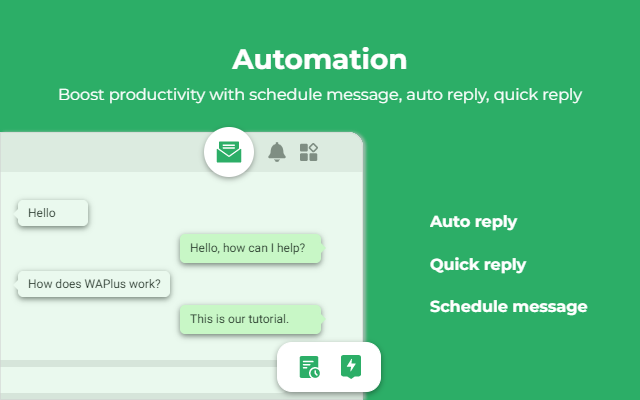
WAPlus CRM is a WhatsApp Web plugin that adds CRM-style capabilities—conversation organization, AI replies, and integrations—directly where your team already works.

Why it’s useful

  • Stay inside WhatsApp Web: manage customers without switching tools all day
  • Quick AI setup: train with materials or use keyword triggers
  • CRM-friendly: supports integrations like HubSpot, Salesforce, and Zoho

Core features

  • Conversation management: categorize chats (unread, needs reply, mentions, etc.)
  • AI auto-replies: rule-based triggers and trained responses
  • Contact cards: capture lead details, company info, and follow-up notes
  • Sharing & translation: collaborate across teams and languages
  • Multi-account session management: helpful for multi-inbox workflows
Explore WAPlus CRM
WAPlus CRM
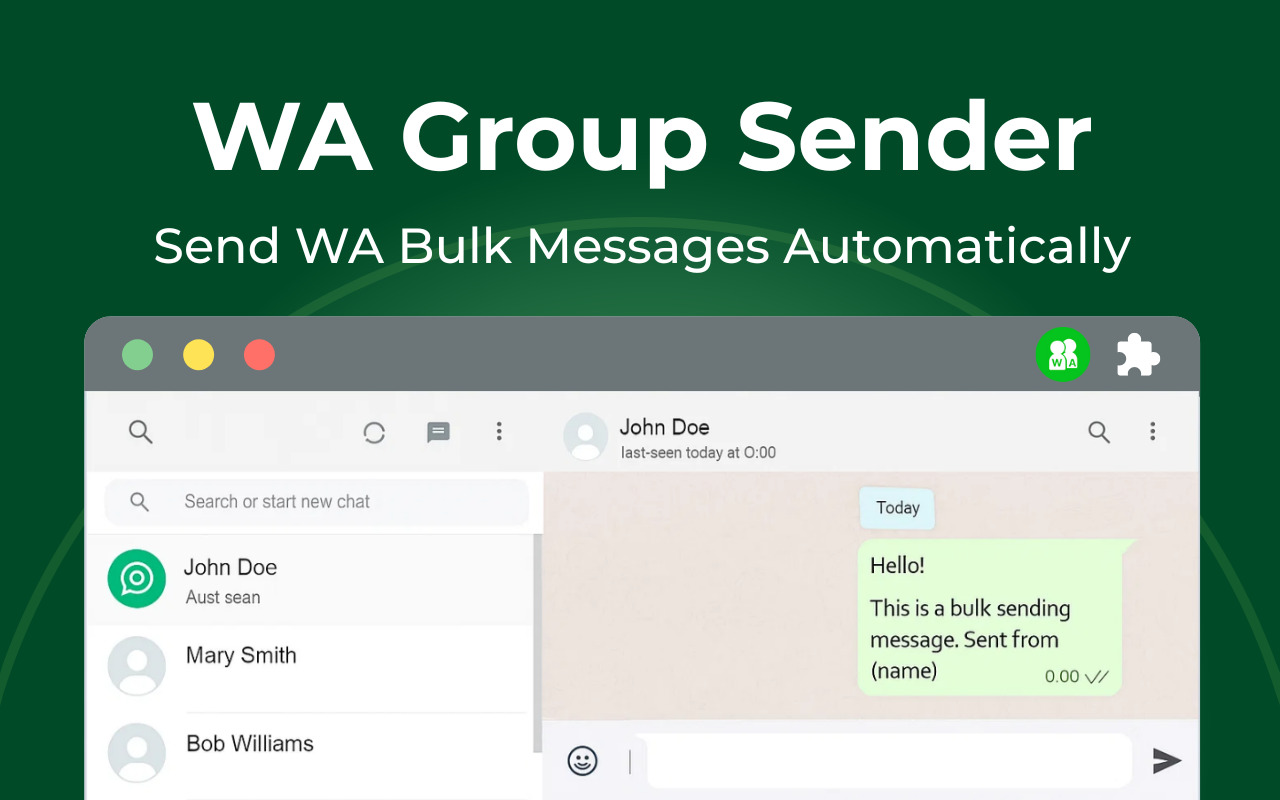
WA Bulk Message Sender

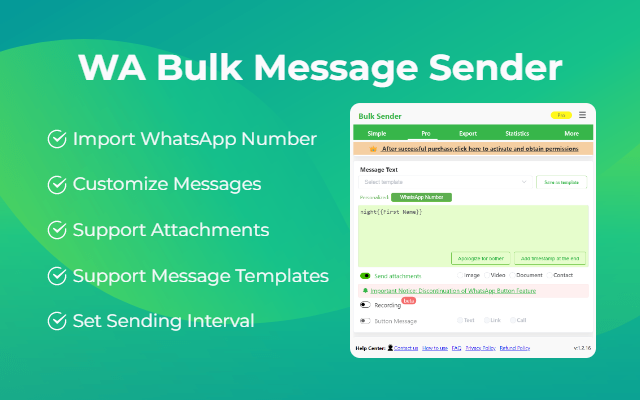
WA Bulk Message Sender: Bulk messaging from Excel

When you need to reach many contacts for consent-based updates—promotions, order notifications, appointment reminders—WA Bulk Message Sender streamlines the “spreadsheet to send” workflow.

Why it’s useful

  • Excel-driven workflow: ideal if your contact list lives in spreadsheets
  • Pacing controls: adjustable intervals plus pause/resume for safer execution
  • Clear reporting: export results and retry failed sends

Core features

  • Personalized bulk sending: text, images, video, documents
  • Send from Excel: reduce manual copy/paste and human error
  • Send to group members one-by-one: closer to a one-to-one cadence
  • Templates + retries: reuse campaigns and recover failures quickly
Explore WA Bulk Message Sender

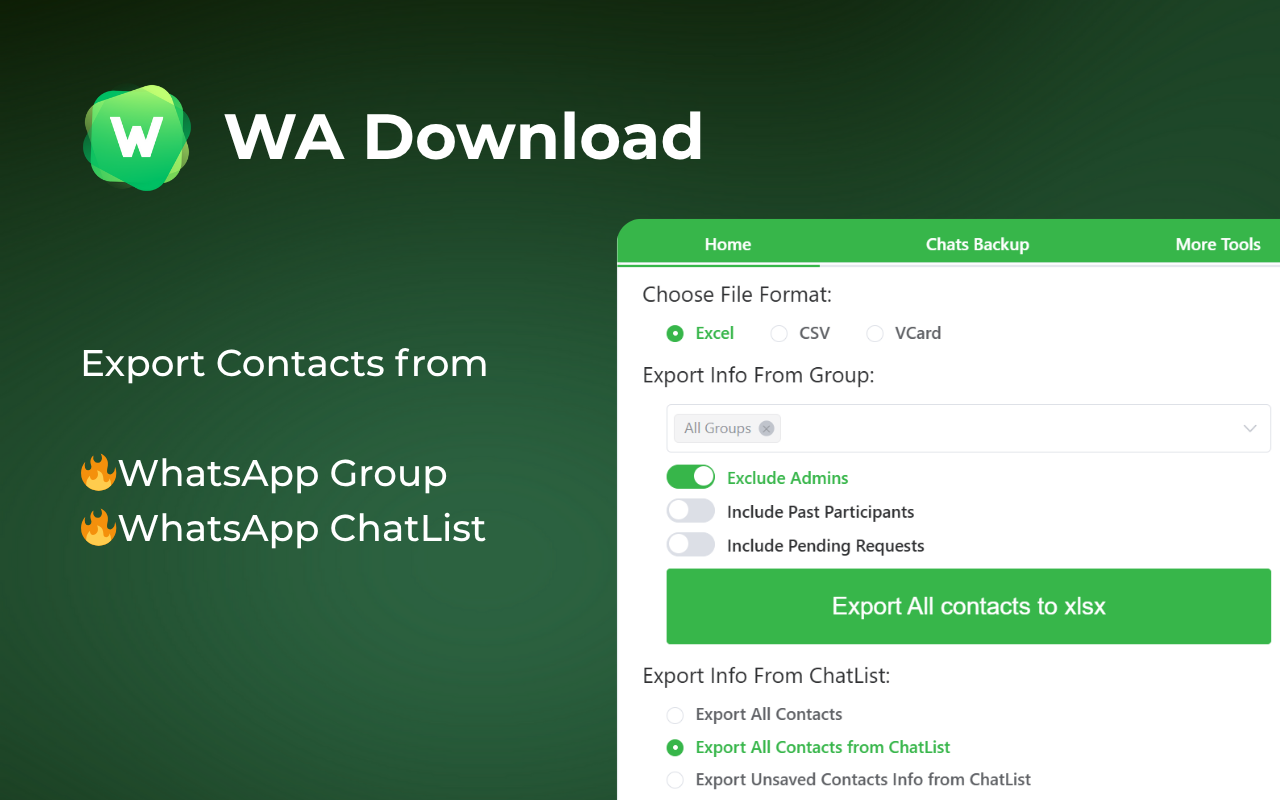
WA Download: Chat backup + contact export

WA Download is built for backup, portability, and privacy—export chats and contacts from WhatsApp Web with a workflow that processes data locally in your browser.

Why it’s useful

  • Privacy-first: processing happens locally; you control what gets exported
  • Granular selection: export by chat, group, or date range with preview
  • Flexible formats: works for CRM import, reporting, and record-keeping

Core features

  • Export contacts: from groups or your chat list
  • Backup chats: by conversation, group, or time window
  • Contact formats: vCard (.vcf), CSV, Excel (.xlsx)
  • Chat formats: HTML, CSV, Excel (.xlsx), JSON
Explore WA Download
WA Download
WAWebSender

WAWebSender: Group messaging and member management

WAWebSender focuses on WhatsApp Groups and Communities—helpful for community ops, announcements, onboarding, and structured group communication.

Why it’s useful

  • Purpose-built for groups: features align with real group operations
  • Personalization placeholders: messages feel less “broadcast-y”
  • Rate controls: delays and cooldowns help maintain sending stability

Core features

  • Bulk group messaging: send text, images, videos, documents, and vCards
  • Welcome/farewell automation: auto-send when members join/leave
  • Member tools: view and manage members efficiently
  • Progress & reporting: real-time status with pause/resume controls
Explore WAWebSender

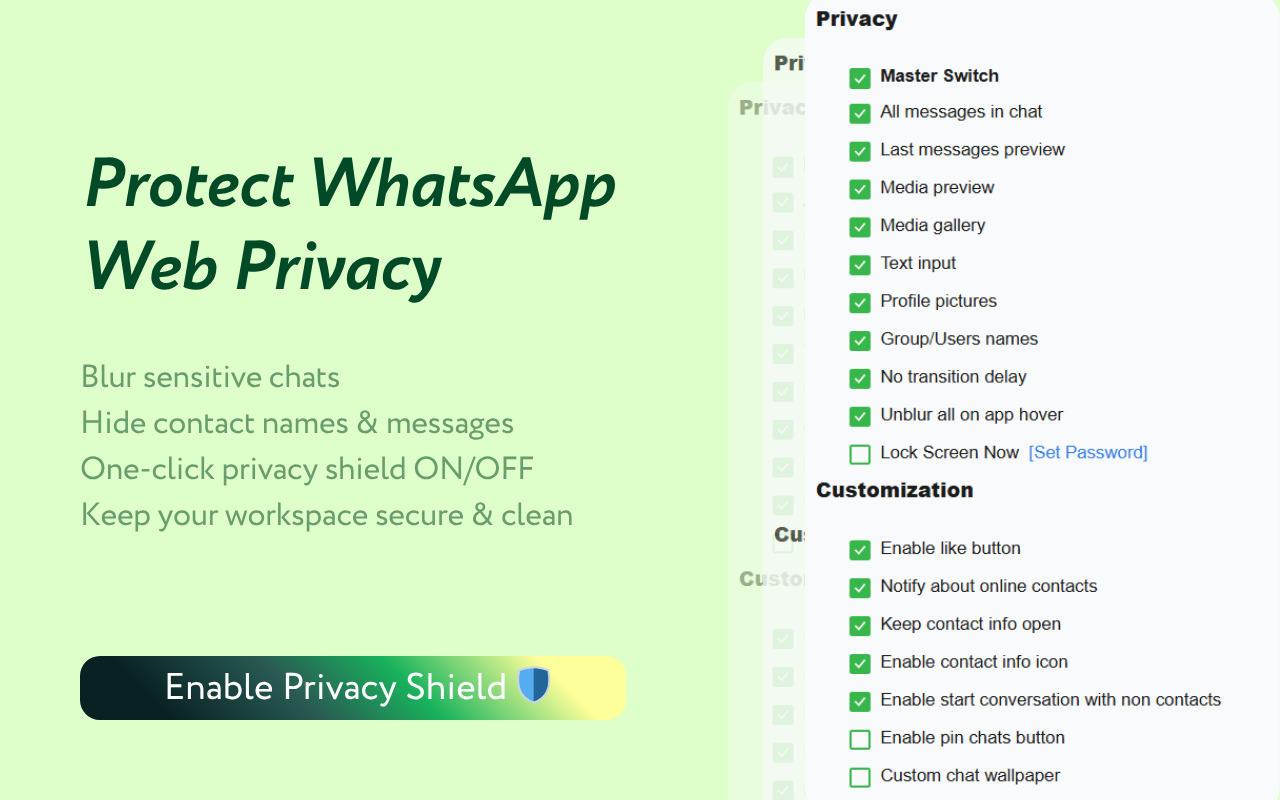
Privacy Extension for WhatsApp: Blur sensitive content + lock screen

If you use WhatsApp Web in an office, on shared screens, or in public places, a privacy extension helps prevent accidental exposure of customer data and private conversations.

Why it’s useful

  • Anti-shoulder-surfing by default: blur content until you hover
  • Fine-grained controls: choose exactly what gets blurred
  • Screen lock: add a password and auto-lock after idle time

Core features

  • Blur messages, media, names, and previews: configurable across the UI
  • Password lock + auto-lock: secure your WhatsApp Web session
  • Protect drafts: blur the input box to keep typed content private
  • Optional UI enhancements: features like pinning or wallpaper (toggle-based)
Explore Privacy Extension for WhatsApp Privacy
Privacy Extension for WhatsApp
Find WhatsApp Link

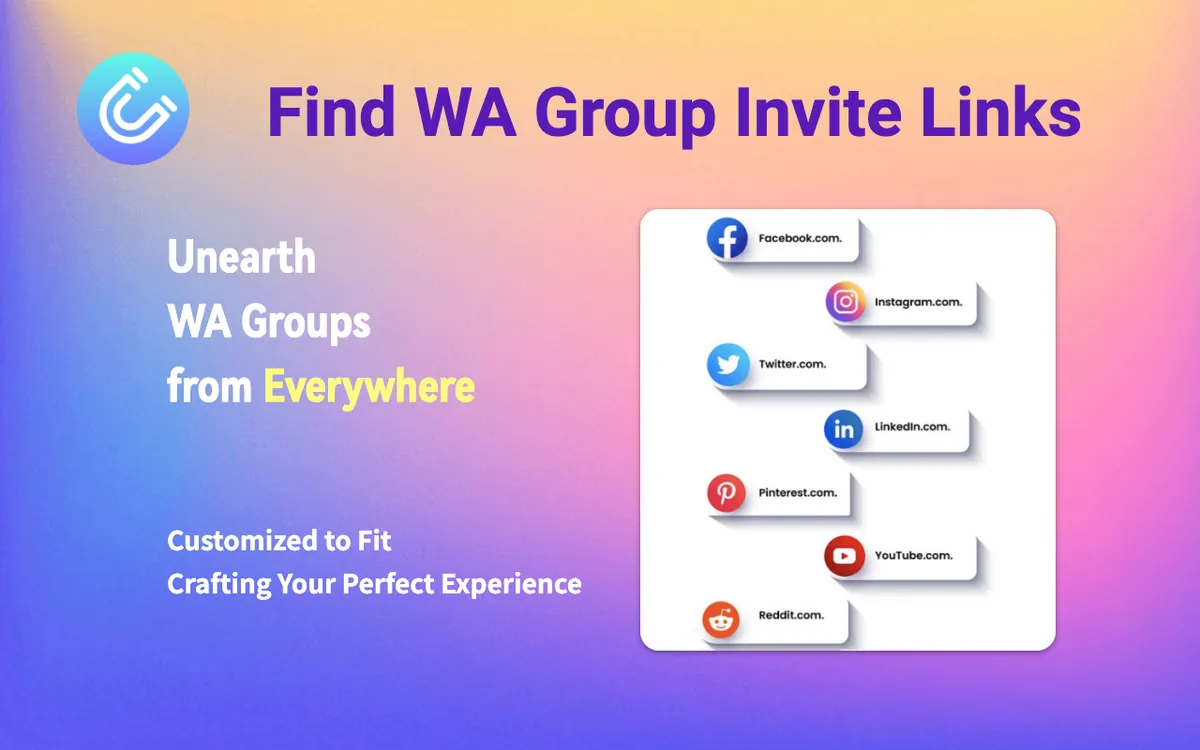
Find WhatsApp Link: Discover group invite links via search

Find WhatsApp Link is a lead-sourcing helper designed to surface WhatsApp group invite links based on keywords and region—useful when you’re researching communities or expanding into new markets.

Why it’s useful

  • Faster discovery: reduces manual “find a group” work
  • Keyword + region targeting: focus on the right audience and geography
  • Less operational friction: fewer mistakes when collecting and organizing links

Core features

  • Find group links in Google search: based on your keywords
  • Region/country controls: tune results for your target market
  • Group list management: organize and batch join groups from your list
Explore "Find WhatsApp Link"

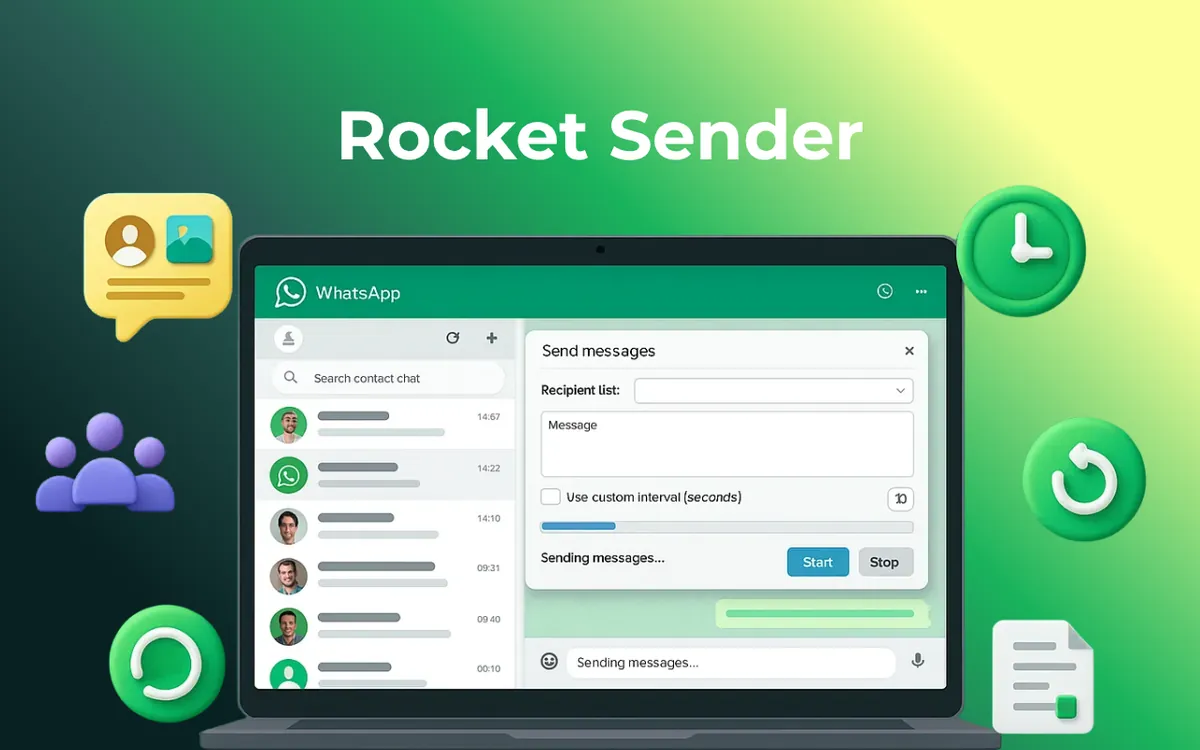
Rocket Sender: Templates + CSV lists + delivery reporting

Rocket Sender helps teams send WhatsApp messages more consistently using templates, CSV lists, scheduling, and reporting—best suited for legitimate, consent-based outreach.

Why it’s useful

  • Template-driven messaging: speed up common follow-ups and updates
  • CSV imports: personalize at scale with contact fields
  • Trackable execution: preview sends, monitor progress, and export logs

Core features

  • Multi-format messages: text, images, videos, documents
  • Templates + variables: personalize messages with placeholders
  • CSV contact import: scale outreach with structured lists
  • Scheduling + pacing: control intervals with pause/resume
  • Export results: download delivery/activity logs (CSV)
Explore Rocket Sender
Rocket Sender

Frequently Asked Questions